
Clean a TV screen with a dry microfibre cloth first; for fingerprints, dampen the cloth — never the screen — with distilled water, and never use window cleaner, which strips anti-glare coatings.
Thank you for reading this post, don’t forget to subscribe!Part of our guide: How to Declutter Your Home: A Simple Room-by-Room Plan
That one rule covers almost every mistake people make when they learn how to clean a TV screen. Modern LED, OLED, and QLED screens are not glass windows: they carry thin coatings that cut glare and protect the panel, and harsh sprays, paper towels, and scrubbing can damage those coatings for good. The good news is that the safe method is also the simplest — a soft cloth, a little distilled water when you need it, and a light touch.
This guide walks through the full method in six steps, works for LED, OLED, and QLED alike, and ends with a quick check that leaves the screen truly streak-free. Set aside ten minutes, keep every spray bottle out of reach, and start with the TV off.
What you need
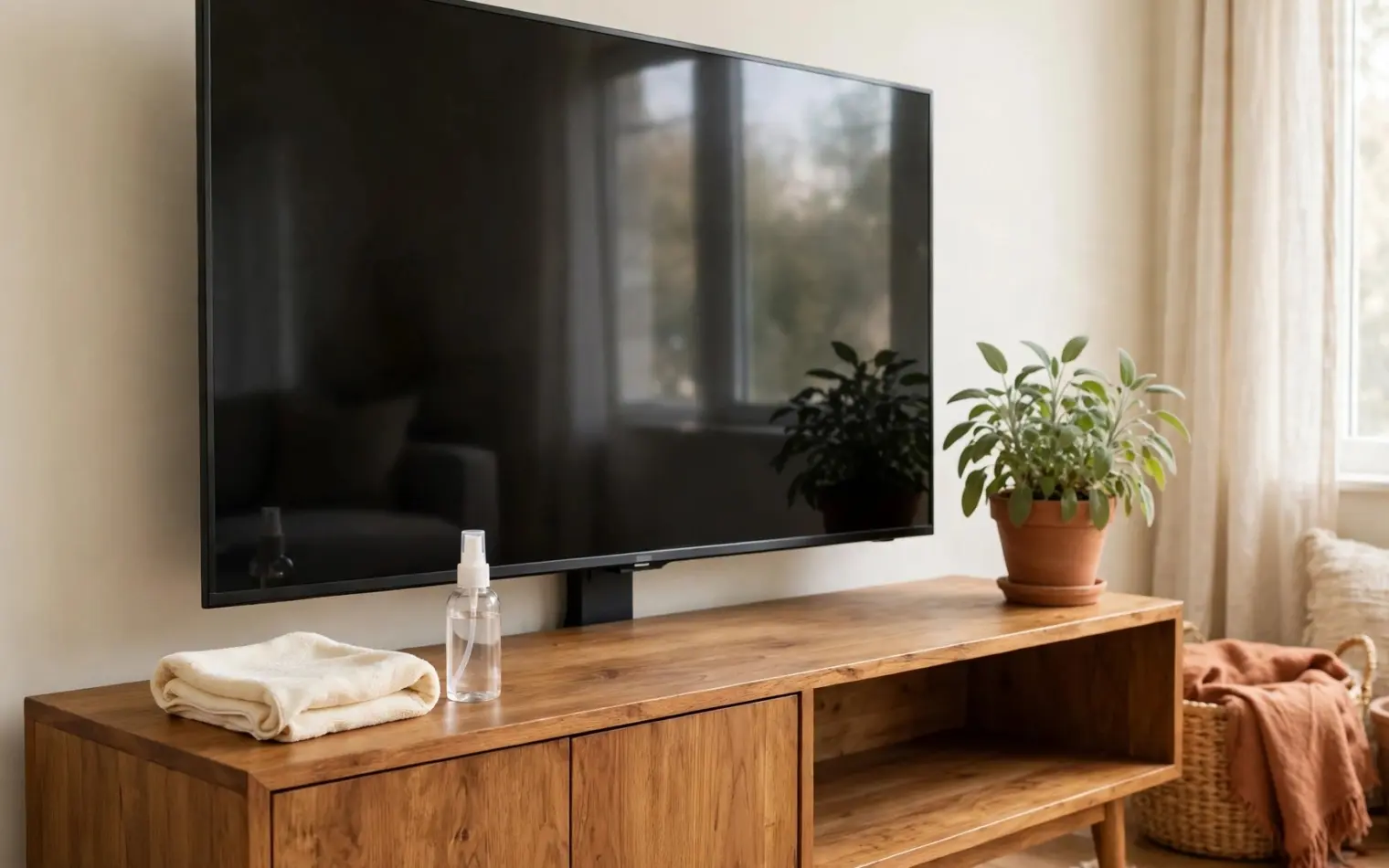
- Two clean, dry microfiber cloths — one for wiping, one for buffing.
- Distilled water — tap water leaves mineral spots as it dries.
- A soft, dry cloth for the frame, stand, and remote.
Skip paper towels, tissues, and rough dish cloths entirely. They feel soft in the hand but their fibers can leave fine scratches on a coated screen, and once those scratches catch the light, they are there for good.
1. Power off and unplug the TV
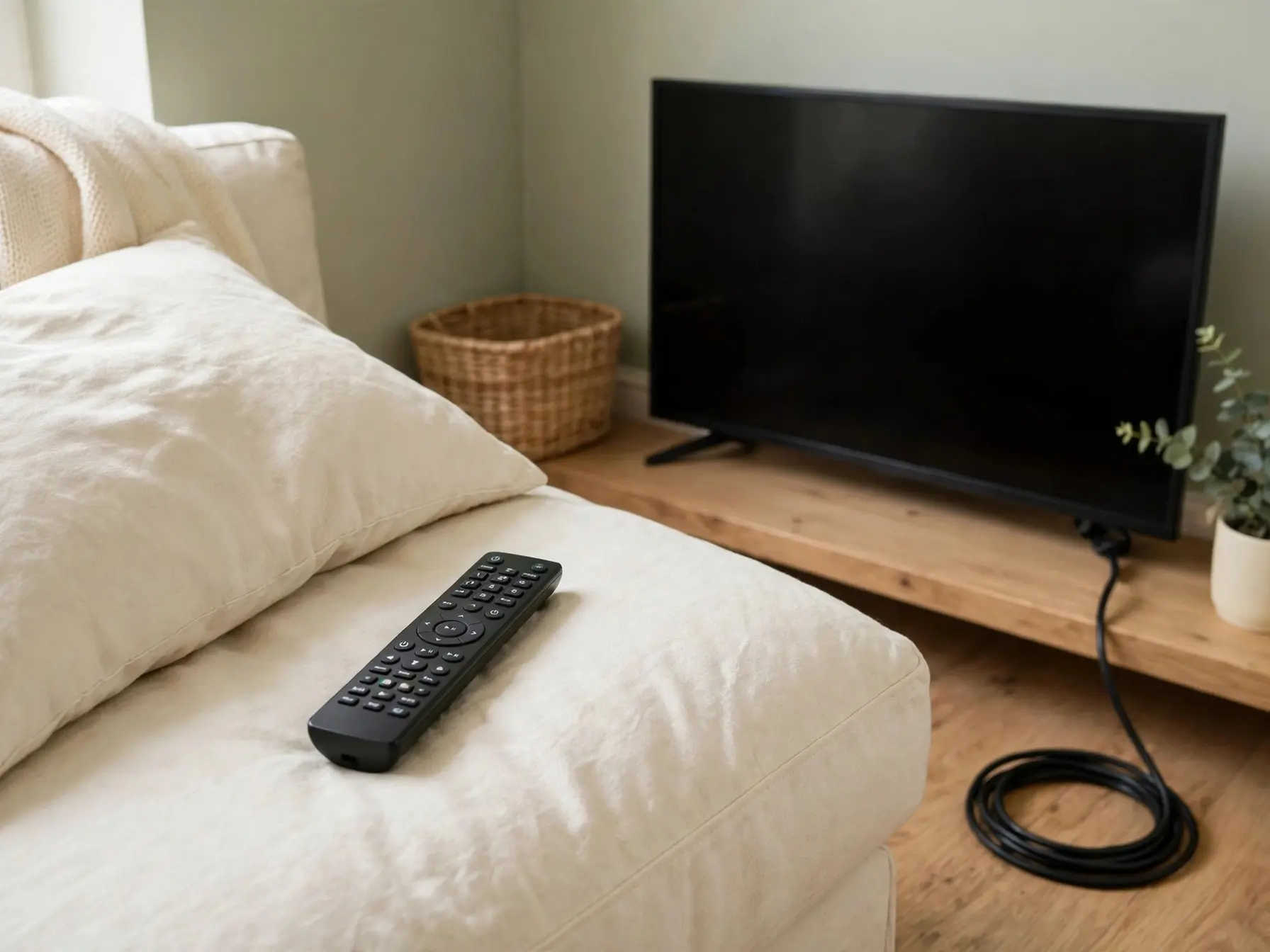
Switch the TV off and unplug it from the wall, then wait a few minutes for the screen to cool. A dark, cool screen shows dust, smudges, and streaks far better than a glowing one, so you can see what you are actually cleaning instead of chasing reflections. Unplugging also keeps you from accidentally pressing buttons or changing settings while you wipe, and it removes any risk of liquid reaching a live connection.
2. Dry dust the whole screen
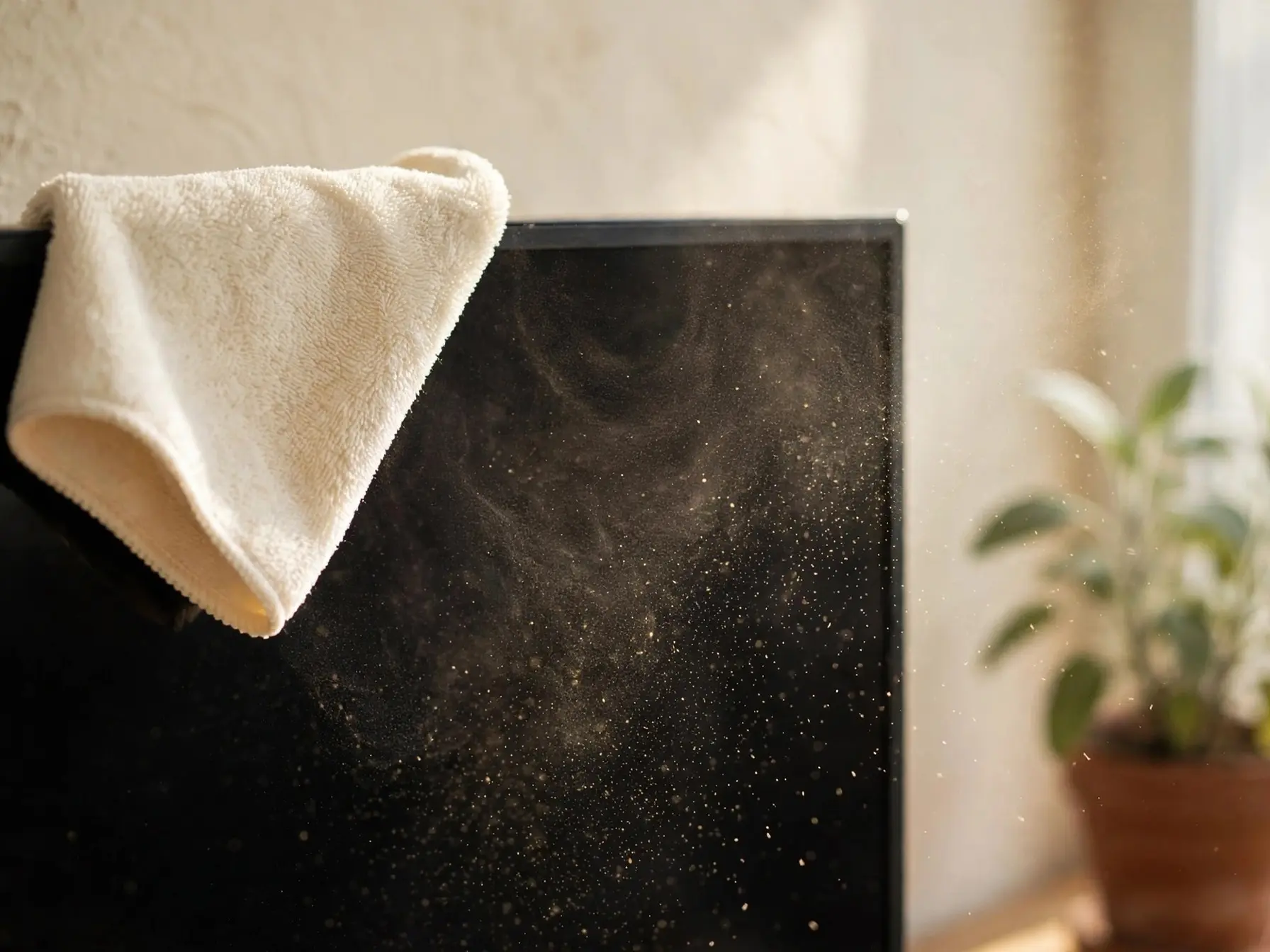
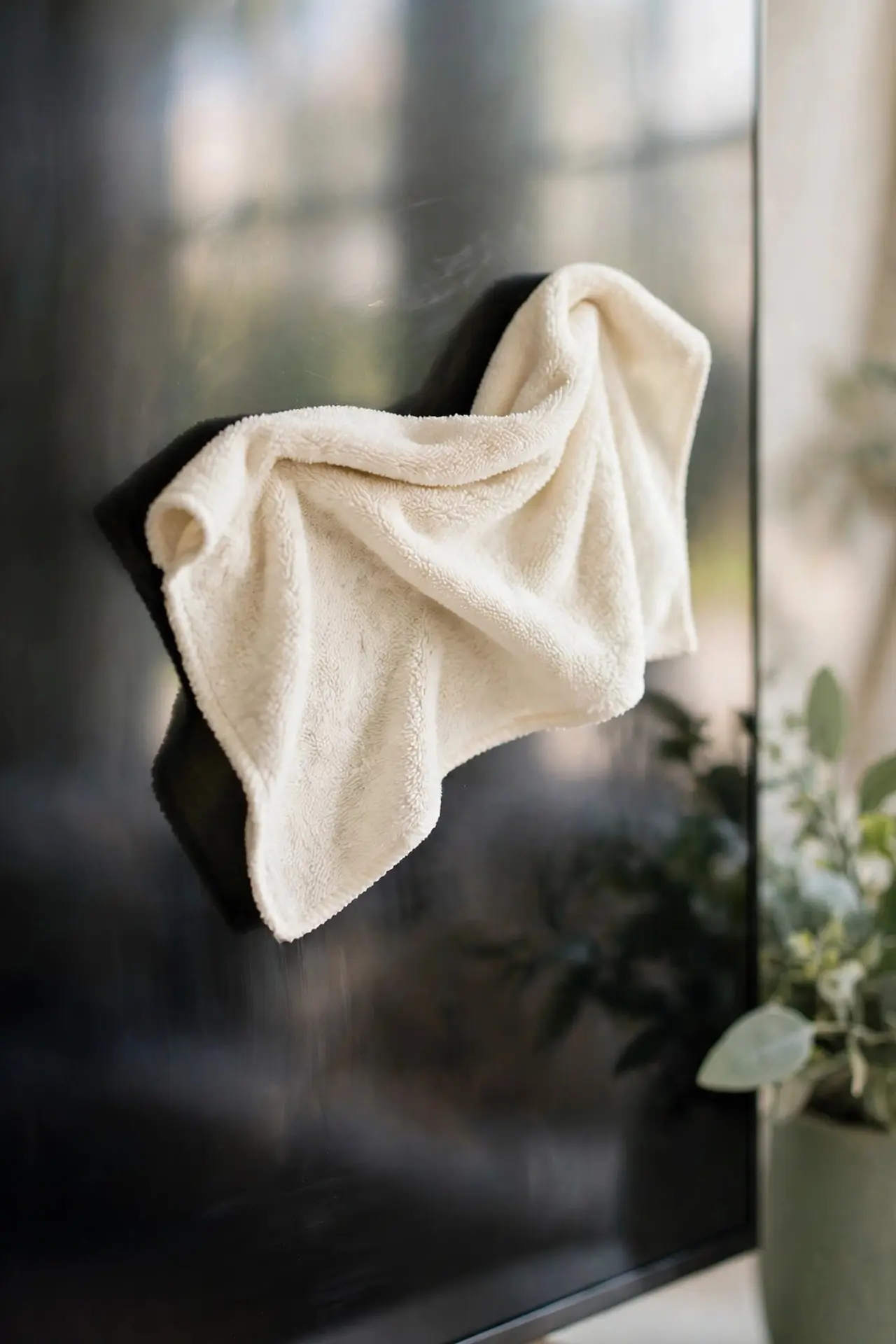
Take a clean, dry microfiber cloth and wipe the screen with light, straight strokes from top to bottom, working left to right. Do not press hard: let the cloth pick up the dust rather than grinding it across the coating. For most weekly cleans this dry pass is the whole job, and stopping here is the kindest thing you can do for the screen.
3. Damp wipe with distilled water on the cloth
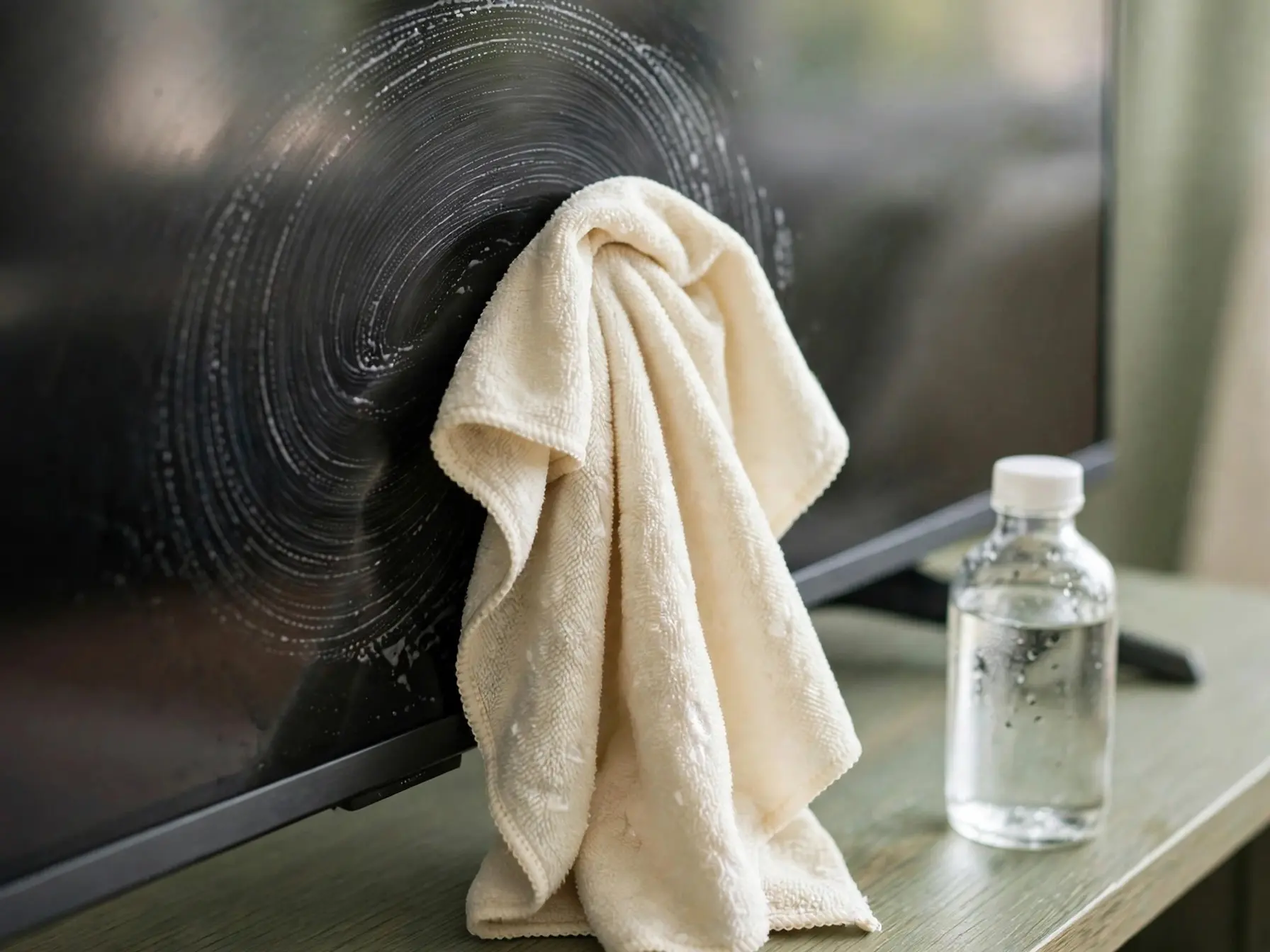
If dust remains after the dry pass, dampen one corner of the microfiber cloth with distilled water and wring it until it is barely damp — it should feel cool, not wet. Wipe in gentle, overlapping circles, using almost no pressure. Never spray water, or anything else, directly onto the screen: liquid can run down into the bezel and reach the electronics behind it. If the cloth starts to dry out, dampen it again rather than adding more water to the screen.
4. Lift fingerprints without scrubbing
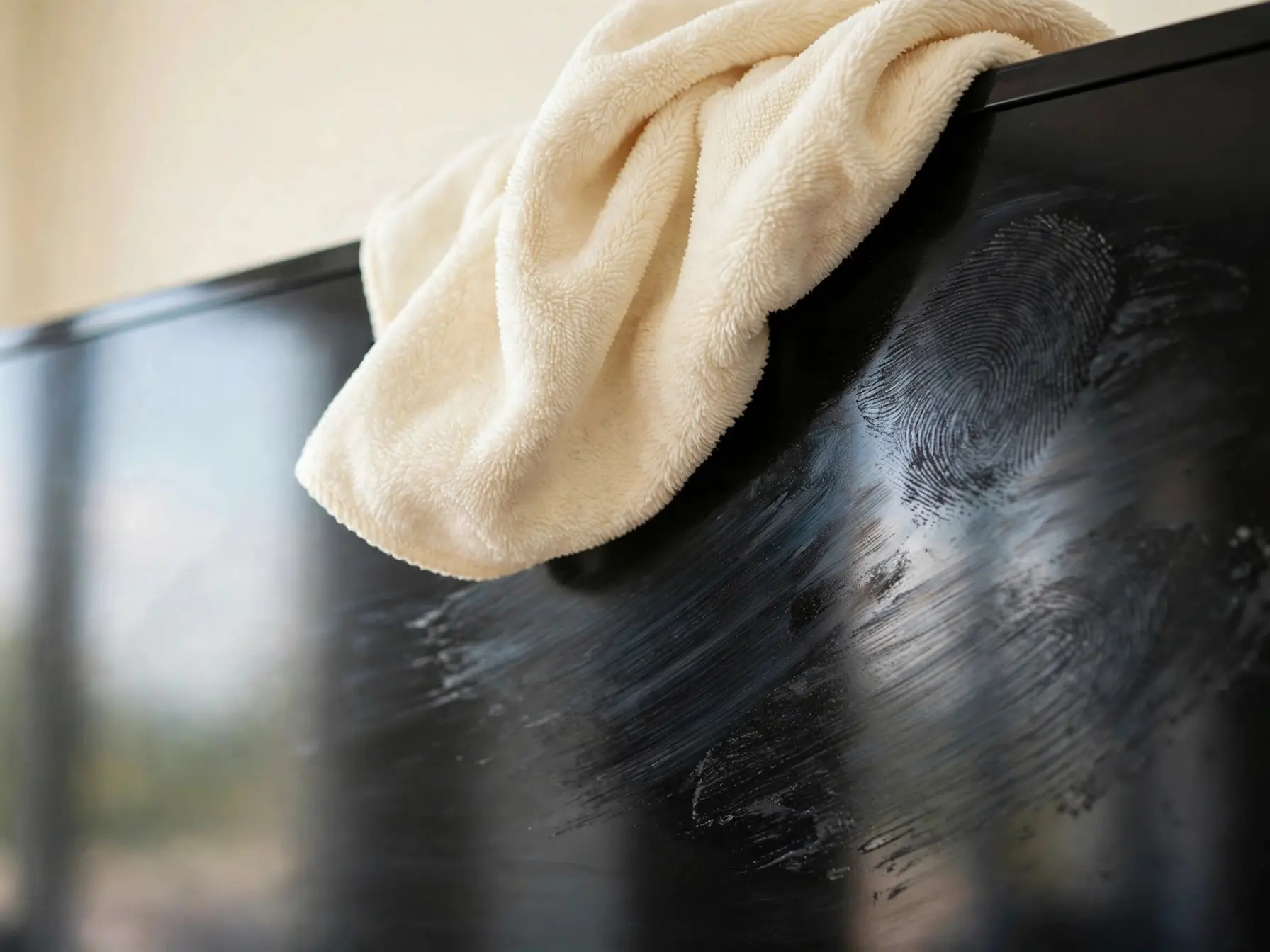
Fingerprints are oil, so they need a damp cloth and patience rather than force. Hold the barely damp cloth flat over the print for a few seconds to soften it, then wipe with light, straight strokes in one direction. Repeat with a clean section of the cloth if the mark lingers, and resist the urge to scrub — scrubbing spreads the oil into a wider smear and wears the coating. Stubborn marks from sticky little hands usually lift on the second or third gentle pass.
5. Clean the frame, stand, and remote
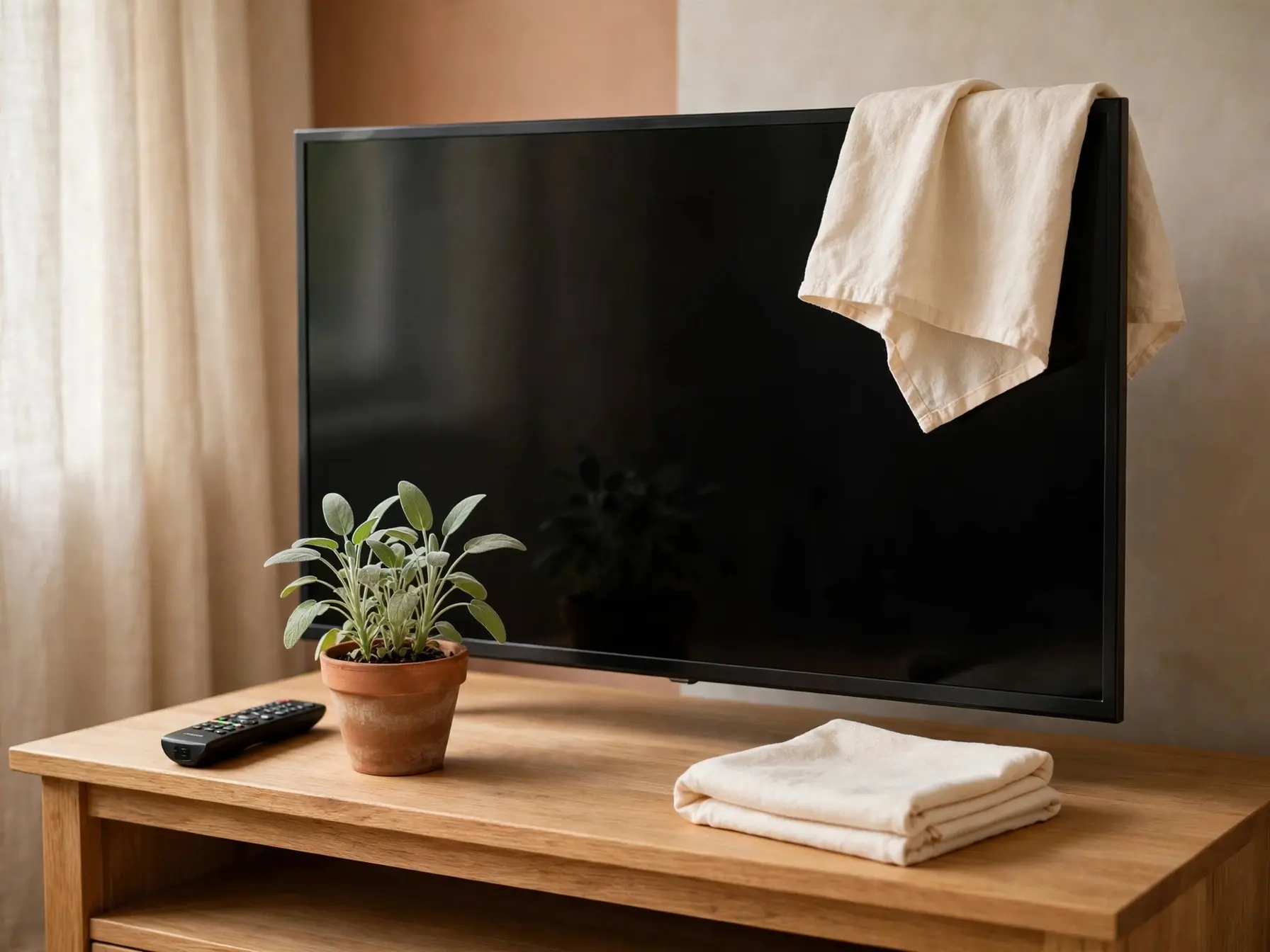
Finish the hardware with the second, dry cloth. Wipe the bezel and frame, dust the stand, and wipe the remote with a barely damp cloth, taking care around the buttons — never let liquid pool in the seams. Check the vents on the back of the TV too: a quick dry dust there keeps airflow clear and stops dust from drifting straight back onto the screen. Put the remote back in its usual spot so the next person does not leave fresh prints hunting for it.
6. Do the final streak check
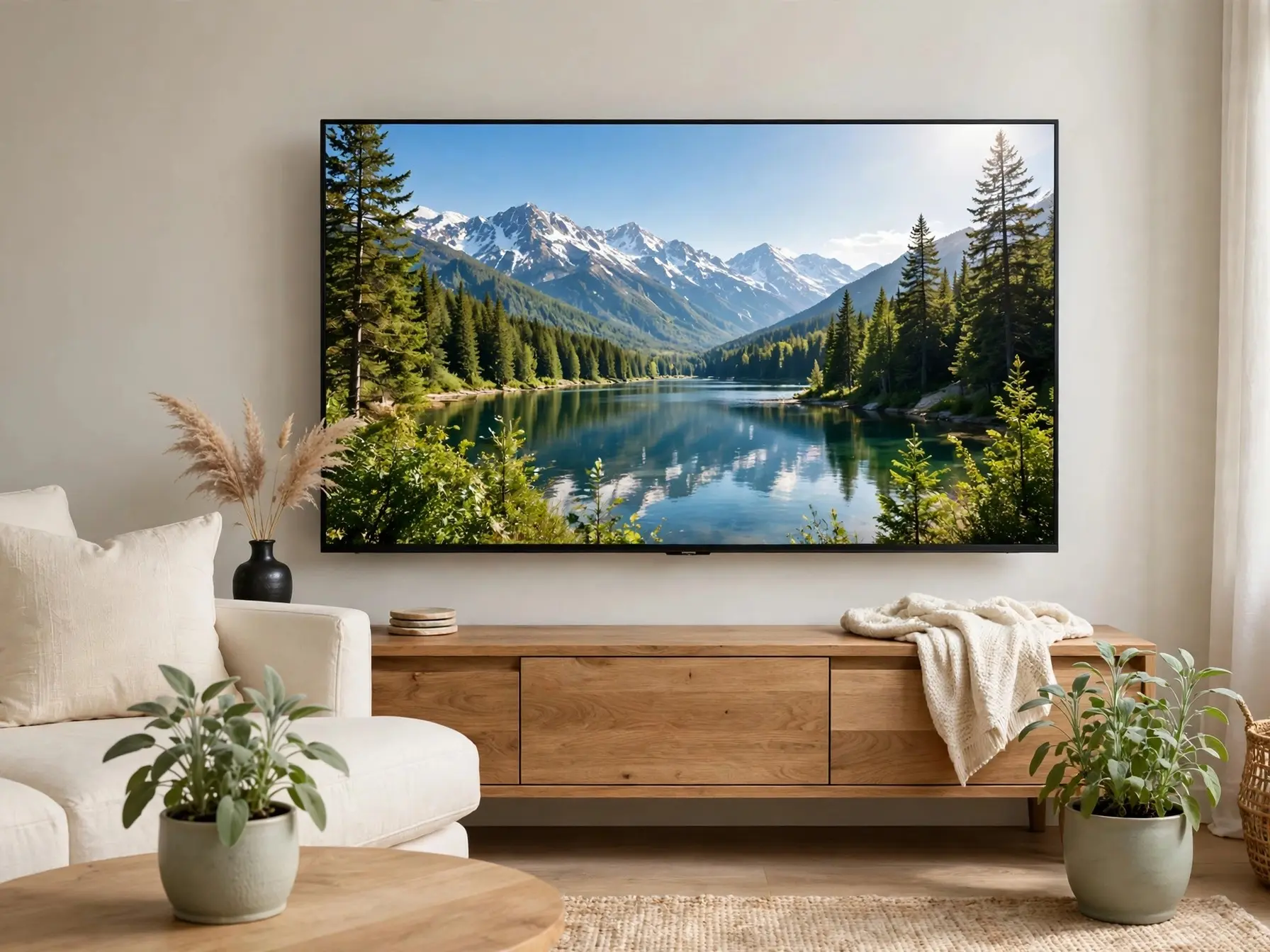
Let the screen air dry for a minute, then buff it once with the dry side of a clean microfiber cloth. Now plug the TV back in, switch it on, and look at the screen from an angle in daylight: streaks hide head-on and show up sideways. If you spot a faint streak, buff that spot dry — do not re-wet it. A truly streak-free screen looks invisible when it is off and crisp when it is on, with no cloudy patches where the coating has been rubbed thin.
Safe vs. damaging: what to use and what to avoid
When in doubt, remember this: if it was made for windows, mirrors, or disinfecting, it was not made for your TV. The table below keeps the choice simple.
| Safe for a TV screen | Damaging — never use |
|---|---|
| Dry microfiber cloth | Window cleaner |
| Distilled water, on the cloth only | Ammonia-based cleaner |
| Soft dry cloth for the frame and remote | Disinfectant spray |
Window cleaner, ammonia-based cleaner, and disinfectant spray all attack the anti-glare coating, and the damage is permanent — no amount of careful wiping afterward restores it. If your TV maker’s manual names a specific screen cleaner for your model, that product is the one exception; everything else in the cleaning cupboard stays away from the screen.
A note on LED, OLED, and QLED screens
The method above is the same for all three, but OLED screens deserve extra gentleness: their panels are thinner and their coatings can mark more easily, so use the lightest possible pressure and never use a circular scrubbing motion on a stubborn spot. QLED and LED screens are a little more forgiving, but the same rule holds — gentle and damp beats hard and wet every time. Whatever your panel type, check the manual once: a few models carry their own cleaning guidance, and the manual wins over any general guide, including this one.
Questions, answered
What is the safest thing to clean a TV screen with?
A dry microfiber cloth is the safest tool for everyday cleaning, with a cloth lightly dampened with distilled water for fingerprints and smudges. Dampen the cloth, never the screen, and wipe gently so no liquid runs toward the edges or the frame.
Can you use Windex or glass cleaner on a TV screen?
No. Window cleaner and other glass cleaners can strip the anti-glare coating on modern LED, OLED, and QLED screens, leaving a cloudy or patchy finish that cannot be washed back. Treat a TV screen like coated plastic, not like a window, and keep glass cleaner in another room while you clean.
How do you get fingerprints off a TV screen?
Dampen a clean microfiber cloth with distilled water, wring it until it is barely damp, and wipe the fingerprint with light, straight strokes. Let the area air dry, then buff once with the dry side of the cloth. Rubbing hard or scrubbing with a dry paper towel only spreads the oils and risks fine scratches.
How often should you clean your TV screen?
Dust the screen once a week with a dry microfiber cloth, and do a damp wipe only when you see fingerprints, smudges, or dust that dry dusting will not lift. In a dusty room or a home with pets and kids, a quick weekly dust keeps buildup low so you rarely need the damp step at all.
Keep reading
Once the screen is streak-free, keep the rest of the living room matching it: our guide to closet organization ideas clears the storage that feeds living-room clutter, how to clean a washer covers the other appliance most people forget, and guest-ready home checklist gets the whole house ready for visitors in one weekend.
Clean a TV screen the gentle way and it stays gentle: dry dust weekly, dampen the cloth — never the screen — for marks, and keep window cleaner, ammonia-based cleaner, and disinfectant spray far away from the panel. Ten minutes, two cloths, and a streak-free screen for movie night.